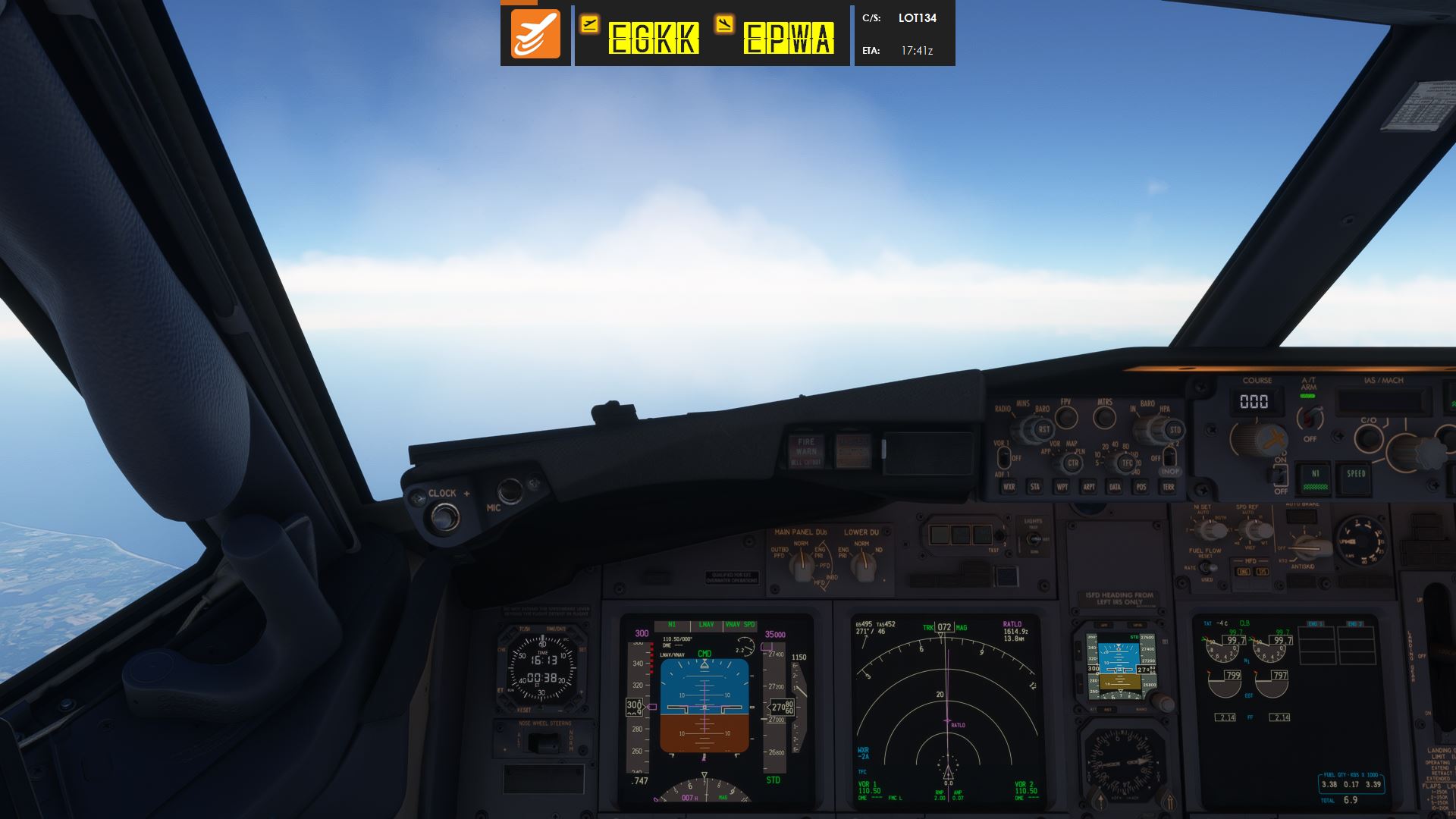
Live Flight Telemetry
Altitude, heading, speed, vertical speed, weather, aircraft data, route progress, ETA, ETE and distance-to-go.

Live telemetry, automatic flight phases, route progress, ETA / ETE / DTG, RAAS, landing-rate monitoring, VATSIM / IVAO ATC integration and flexible overlays for streamers and everyday virtual pilots alike.
StreamFlight brings simulator data, flight planning, overlays and automation together in one lightweight desktop companion.
Altitude, heading, speed, vertical speed, weather, aircraft data, route progress, ETA, ETE and distance-to-go.
Track PREFLIGHT, TAXI OUT, TAKEOFF, CLIMB, CRUISE, DESCENT, APPROACH, LANDING and TAXI IN automatically.
Runway Awareness and Advisory System features designed to add useful runway callouts and situational awareness.
Capture and display landing-rate information through StreamFlight's native display and browser-source options.
Use your active COM frequency to identify the relevant online controller and display live ATC information.
Customisable browser overlays, monitor overlays and live control-input displays for streaming or personal use.
Fetch route, callsign, aircraft, departure, destination, flight level, METARs and planned route information.
Orbit and FlyBy camera tools for MSFS, with Stream Deck integration and external controls to easily create stunning cinematic views.
Discover real-world airline routes directly in StreamFlight. Search by departure or arrival airport, filter by airline, aircraft type, flight duration or distance, then select a flight to continue to SimBrief. Route information is continually reviewed and refined.
A modern Flight Information Display System for airport-style departure and arrival boards.
StreamFlight is designed around a common workflow even when the simulator underneath changes.
SimConnect telemetry, overlays, flight phases, camera tools, RAAS and more.
SimConnect telemetry, overlays, flight phases, camera tools, RAAS and more.
XPUIPC-based integration with StreamFlight's core telemetry workflow.
FSUIPC-based support for compatible Prepar3D versions.
See which StreamFlight features are available across each supported simulator.
| Feature | MSFS 2020 | MSFS 2024 | X-Plane 11 | X-Plane 12 | Prepar3D |
|---|---|---|---|---|---|
| Core Flight Telemetry | ✓ | ✓ | ✓ | ✓ | ✓ |
| Flight Planner | ✓ | ✓ | ✓ | ✓ | ✓ |
| Flight Phase & Progress | ✓ | ✓ | ✓ | ✓ | ✓ |
| Gamer Mode / Flight Overlay | ✓ | ✓ | ✓ | ✓ | ✓ |
| SimBrief Integration | ✓ | ✓ | ✓ | ✓ | ✓ |
| Landing Rate | ✓ | ✓ | ✓ | ✓ | ✓ |
| Live ATC — VATSIM / IVAO | ✓ | ✓ | ✓ | ✓ | ✓ |
| Passenger Manifest | ✓ | ✓ | ✓ | ✓ | ✓ |
| Control Input Display | ✓ | ✓ | — | — | — |
| Camera Control | ✓ | ✓ | — | — | — |
| RAAS | ✓ | ✓ | — | — | — |
View the actual StreamFlight 3 interface across the Flight Planner, flight setup, overlays, FIDS, camera controls, RAAS and general settings.
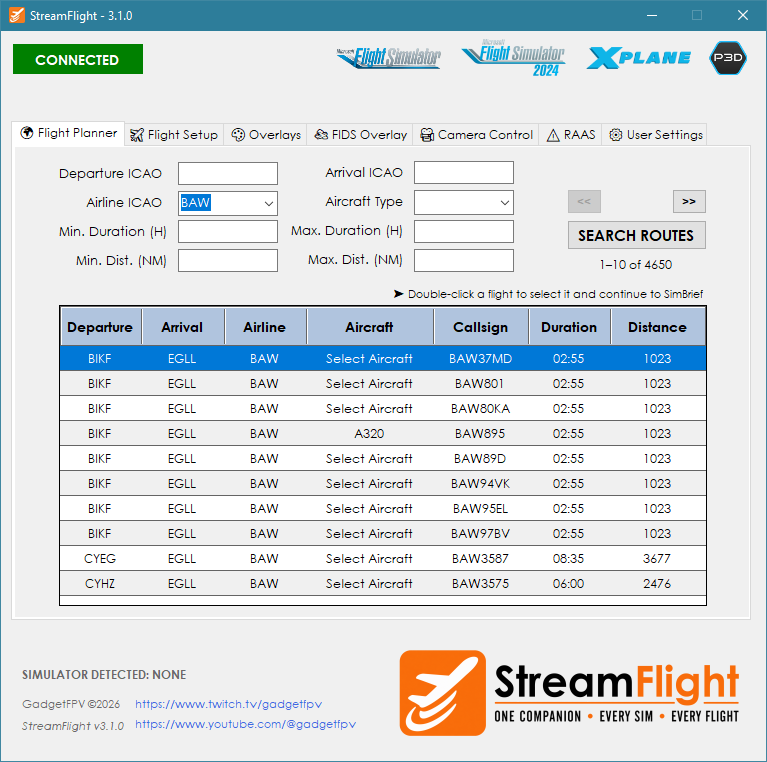
Discover airline routes, filter by departure, arrival, airline, aircraft, duration or distance, and double-click a flight to continue to SimBrief.
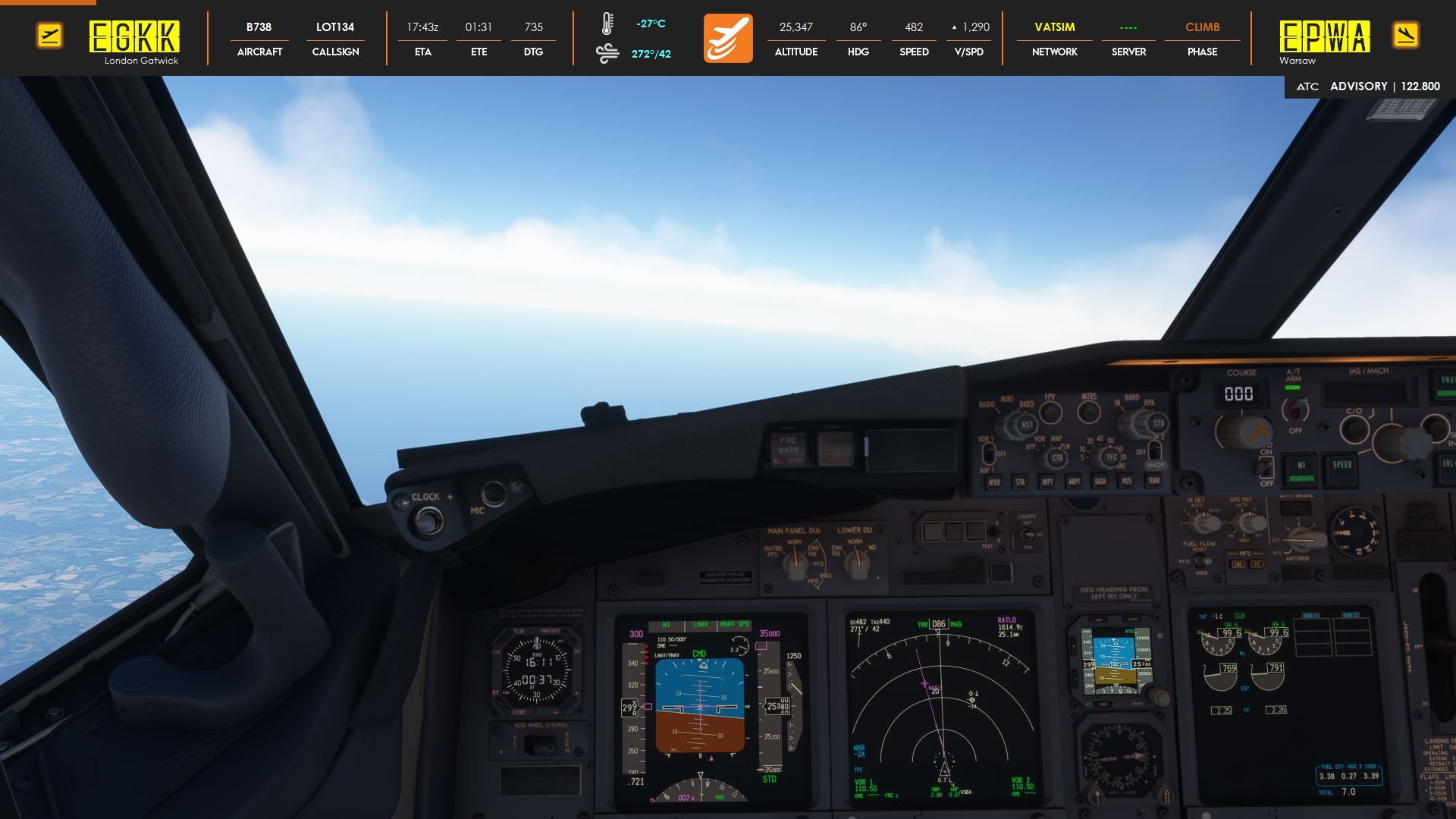
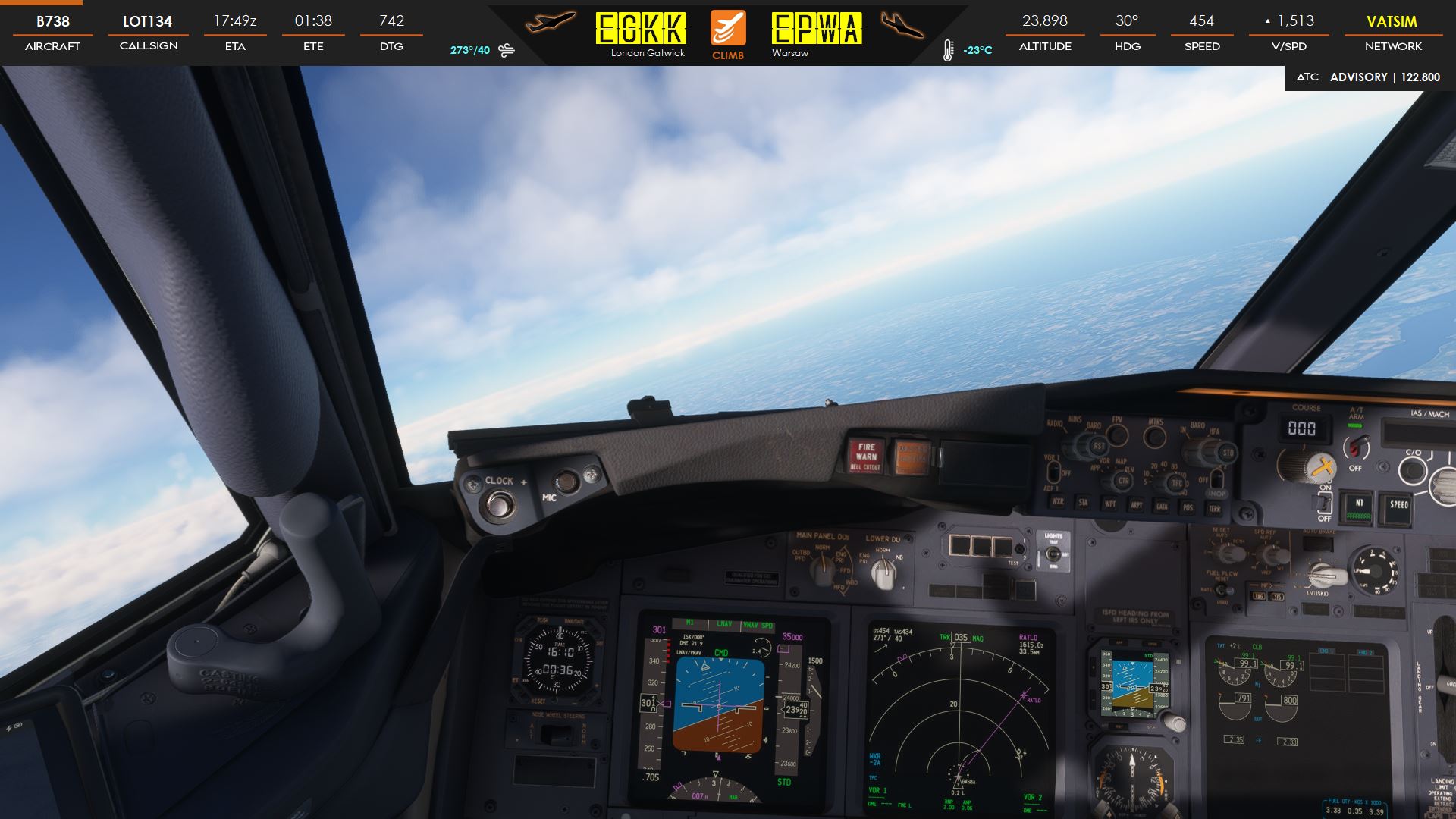
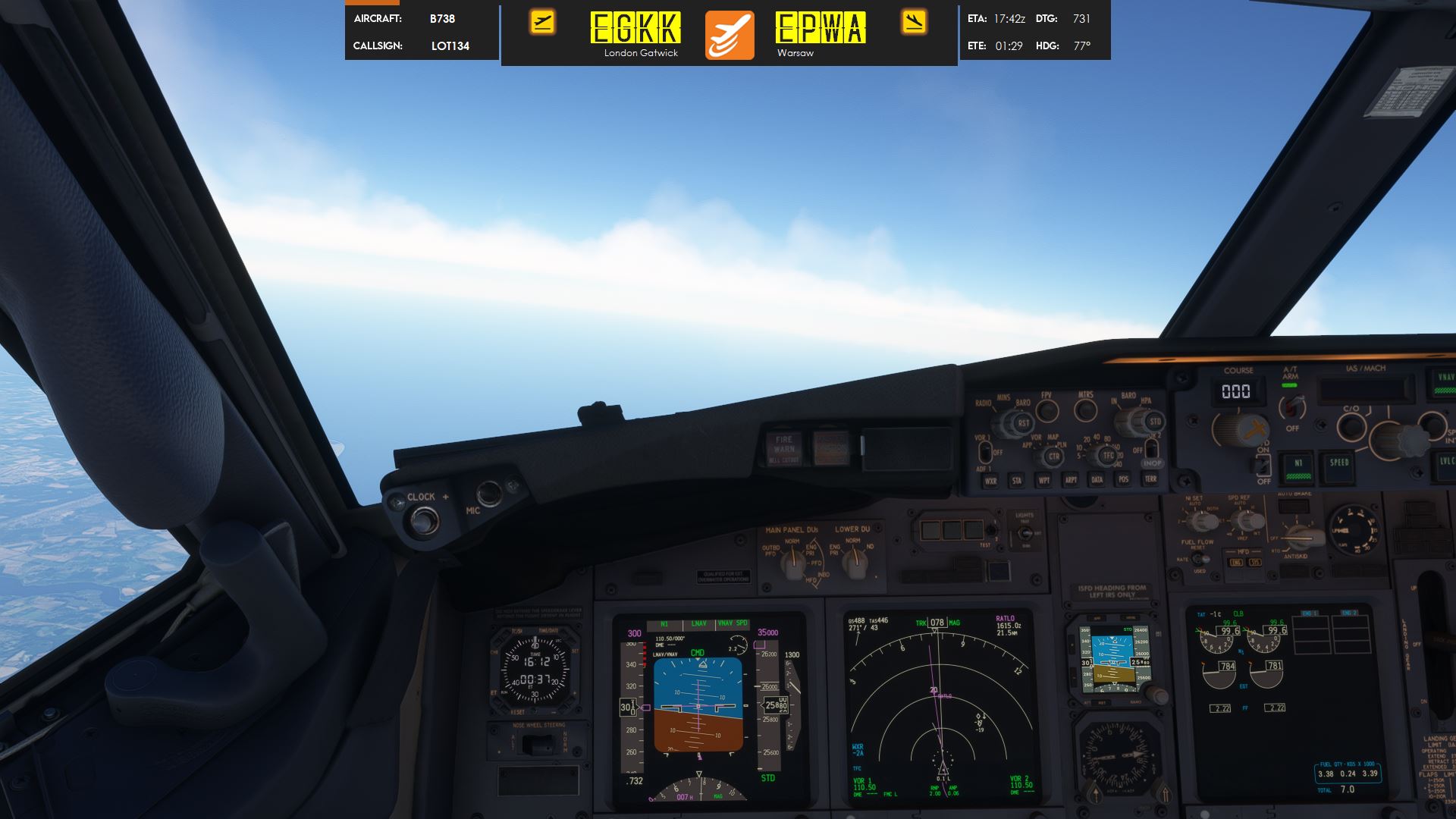
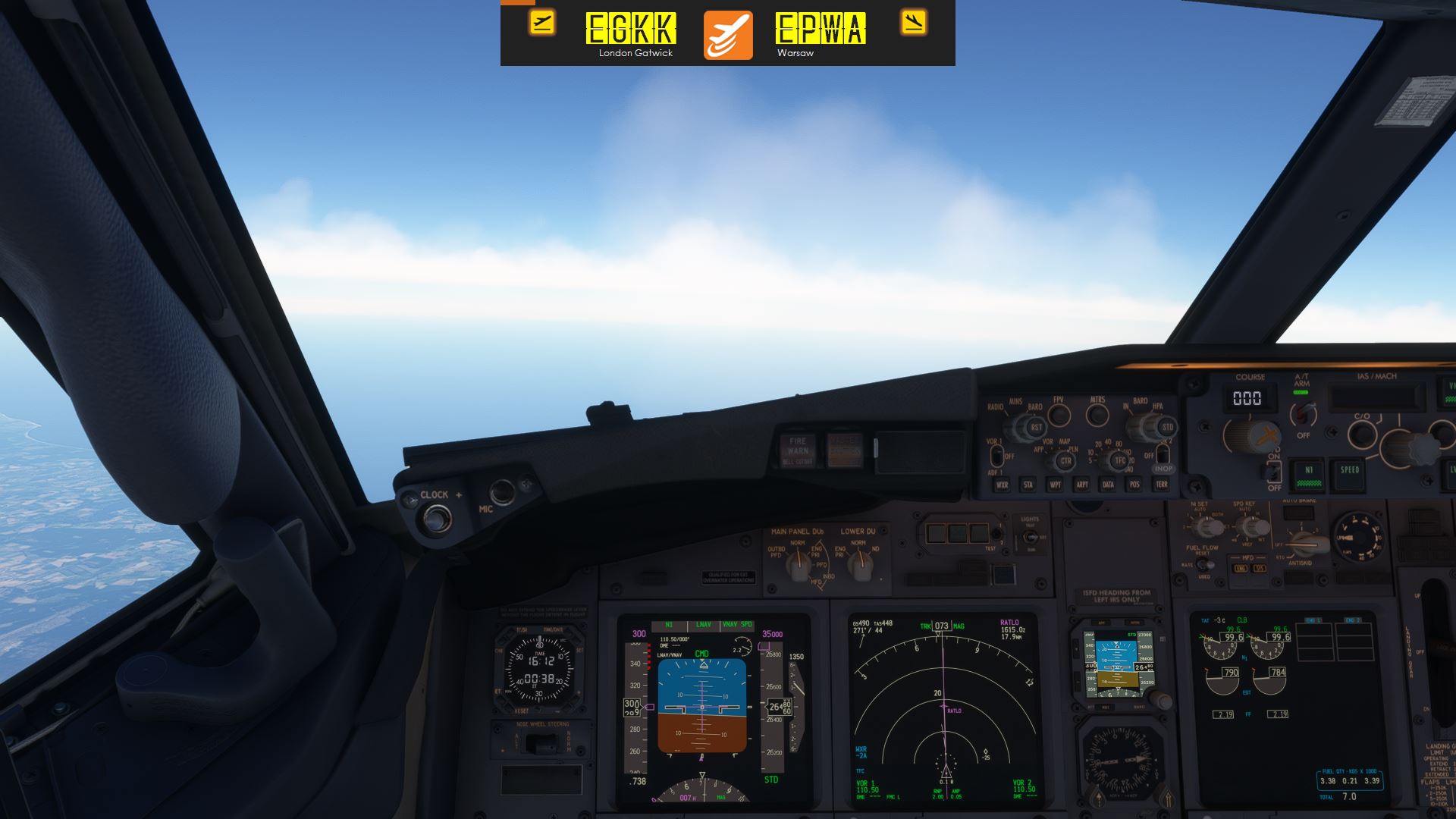
StreamFlight 3 includes five ready-to-use overlay layouts, ranging from compact flight information to comprehensive live telemetry. Use them on-screen with Gamer Mode or as browser sources in OBS/Streamlabs.

Real examples of the five included StreamFlight overlays displayed in the simulator during flight.
StreamFlight 3.0.0 begins the commercial chapter of the project while keeping the experience simple: install it, activate your licence and fly.
No subscription.
Secure checkout powered by Paddle.StreamFlight documentation and support resources will live here, including the full HTML user manual, community support and video guides.
The full StreamFlight 3 manual is currently being prepared. It will be available directly on this website in searchable HTML format.
Open User ManualJoin the StreamFlight community for questions, discussion, release information and support.
Join DiscordWatch StreamFlight demonstrations, feature tests and future tutorials on the GadgetFPV YouTube channel.
Visit YouTubeActivation, deactivation and licence-transfer guidance will be included in the User Manual and troubleshooting documentation.
View licence help →Prefer to stay with the freeware version? StreamFlight 2.3.6 remains available separately.